Why it helps
A faster lap you can actually follow
GT7 will show you a ghost. It will not tell you what that driver did. Training saves one flying lap from the car on your PS5 — brakes, gears, throttle, and the time — on this phone. Then you drive, and the voice walks that lap at your position so the corner is a plan, not a surprise.
- 1Capture the target. Watch a quicker run on the same Wi‑Fi and tap Start Capture. Recording begins at the start/finish and stops when they cross it again. One lap per circuit, stored on the device. A new capture replaces the old one.
- 2Drive it back. Load that same ghost in GT7, get on track, and turn vocals on. Ahead of a stop you hear how hard they braked and which gear they took. On the way out you hear when they got back on power, including a short-shift when the exit wanted one.
- 3Close the gap, then beat yourself. The first laps show how far you are from that saved time. Once you set your own best, the tach and the green/red ribbon compare you to yourself. Pause and the lap channels line up against the target so you can see the corner that cost the tenth.
System speech · no cloud coach
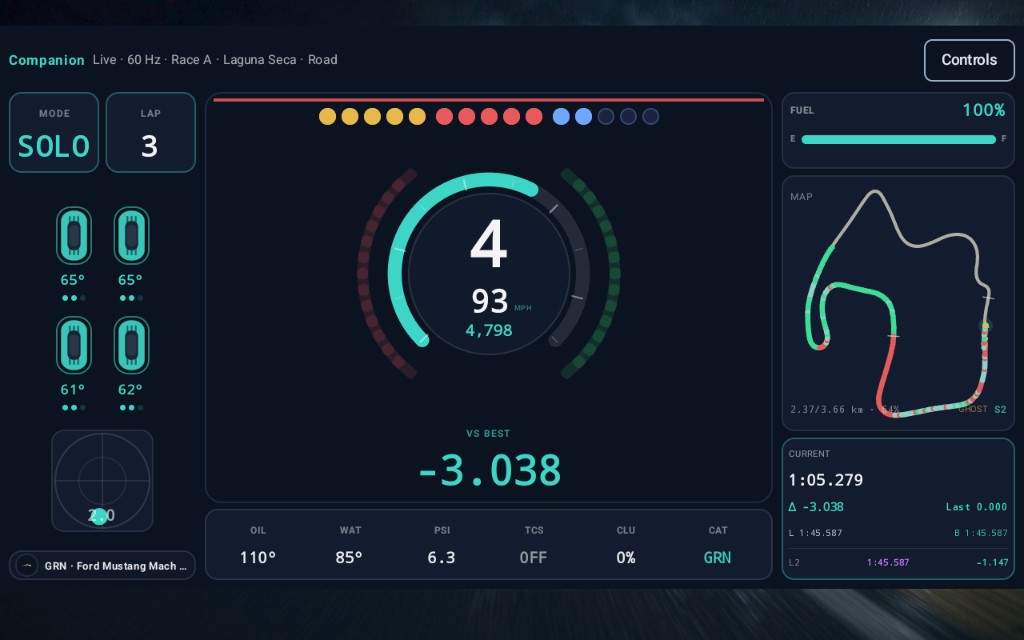
Voice that teaches the lap, then your own
Training vocals follow the saved lap only: brake, gear, and throttle at the spot you are in. They stay quiet until that lap is on the device. Separate from that, core cues still cover fuel, tire heat, lockup, wheelspin, places, and the flag. Opt-in Pace coaching is the next step — tips compare pedals, shifts, and speed only to this stint’s best flying lap, after you have one. Mute, per-cue prefs, and a PSVR2 audio-only mode when the headset owns your eyes.
Where the tenths went
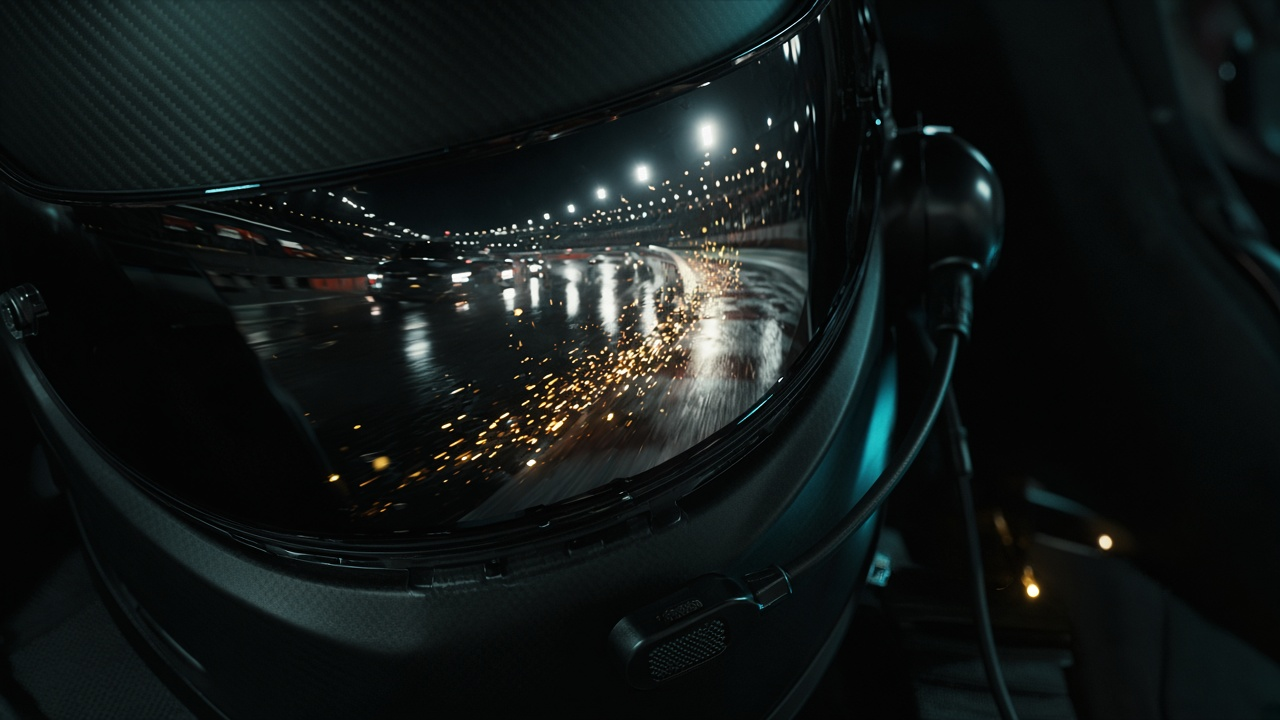
The map shows the gap while you drive
A sparse outline can lock the shape before you finish a lap. The maps worth staring at are the 360-point rings — one you drive, or one we ship — so green and red land on the braking zone, not a rough sketch. Community preloads sit nearer 220 points until a dense ring replaces them. While you are training, the gap is to the saved target until you stamp your own best; after that the ribbon is vs your session best. Tap Near when you want the corner you’re in.
Tracks · nobody else ships this
Relief maps that show the climb
Open a circuit in Tracks. Layout is the overhead line. Tap Relief and the same 360-point ring lifts into height, tinted low→high — Spa, the Ring, and every real climb become terrain you can study between sessions. Labels mark a dense map you drove (Yours), a dense pack we ship (Ours), or the sparser preload. The race HUD stays flat on purpose so a glance stays fast.

GT7 never shows this
How far to the next DR
In Sport Mode you only get a letter. Your real Driver Rating is a point total — and the game keeps it hidden. Letter and absolute points stay free. Unlock reveals exactly how many points remain to the next letter, with a band gauge from this threshold to the next — on the phone home card and full Profile.
While you learn
Landscape HUD
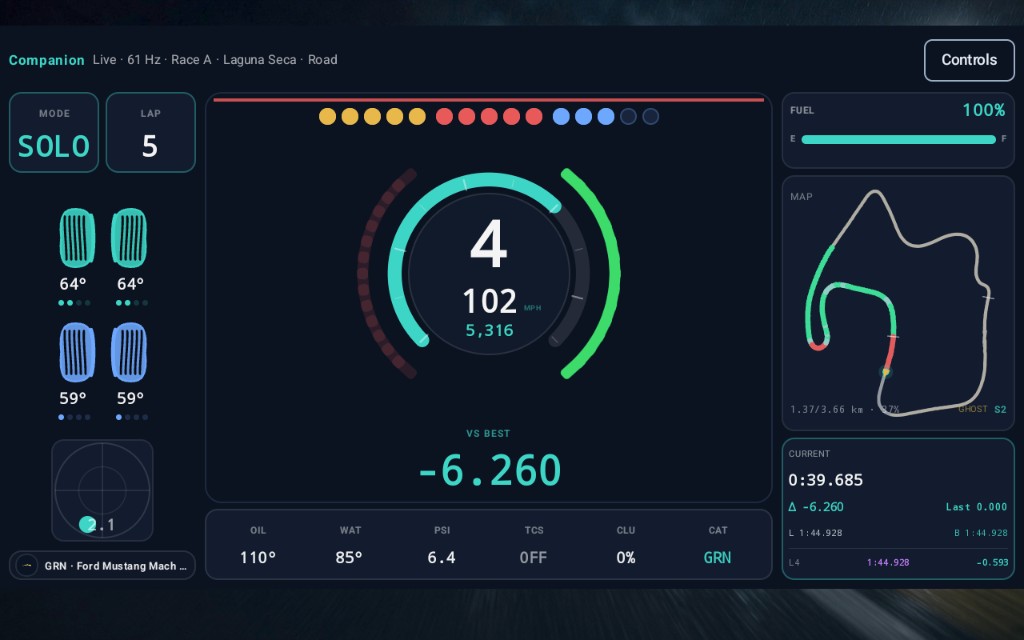
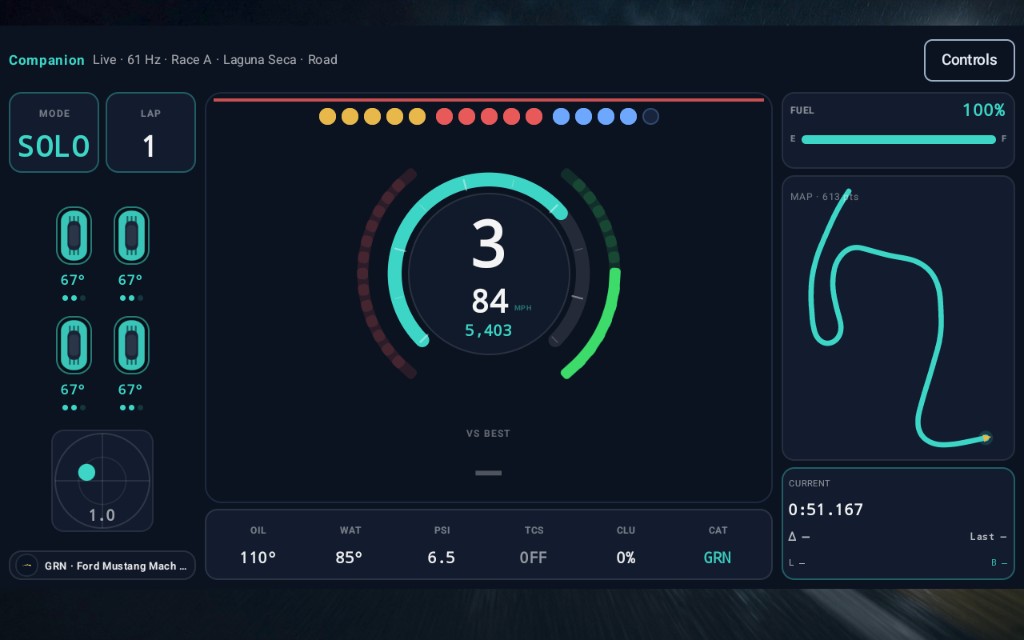
Gear, RPM shift strip, speed, pedals with traces, four-corner tire temps and surface, G-meter, fuel laps, current/last/best/delta, clutch and regen — on the phone beside the cockpit. Not an overlay on the TV.
Between laps · dual-trace data
Compare the whole lap, channel by channel
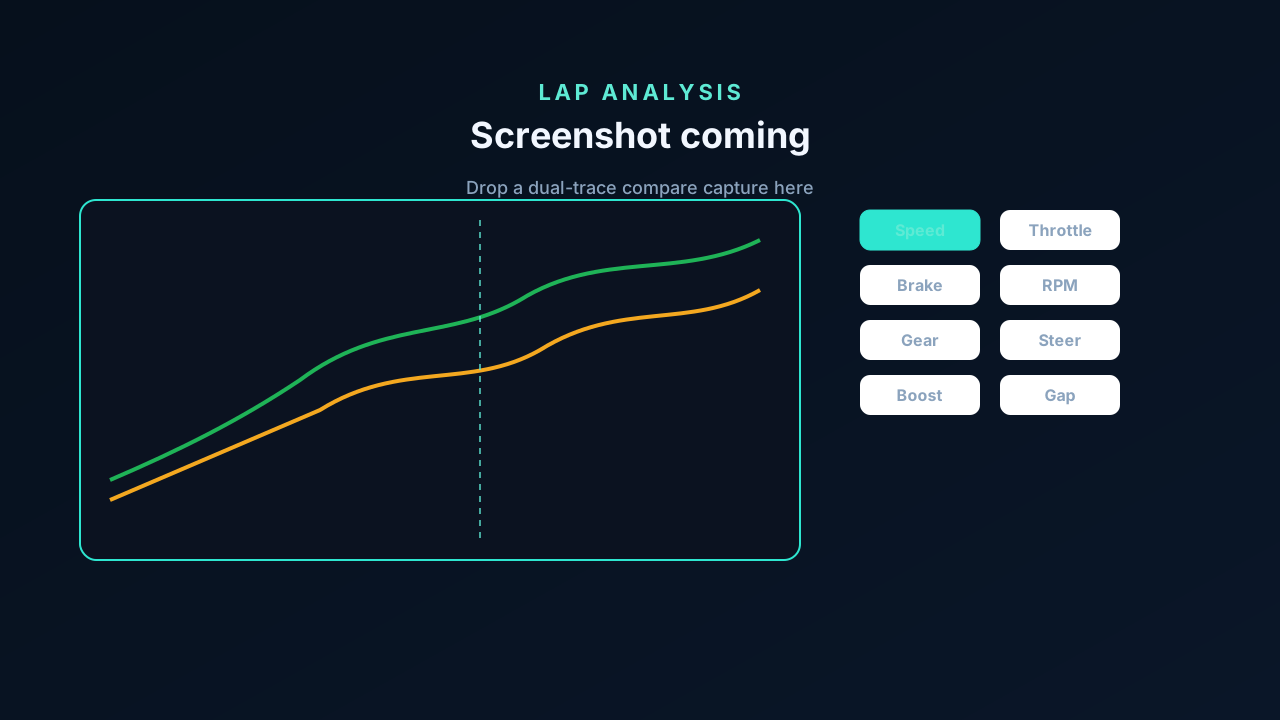
Pause and dig in. Fastest / average / last, sector splits, and a lap list with deltas are the start. Lap analysis overlays your selected lap on the saved training target or your session best along the same track distance — not just a clock. Flip through speed, throttle, brake, RPM, gear, steering, boost, and a cumulative gap trace. Scrub the chart and the map cursor moves with you; pinch to zoom a stretch; open the large map inspect when you want the corner full-screen. That is where the tenth actually went.
Same Wi‑Fi
Stay in the cockpit
Find PS5 or enter the IP. Telemetry stays on your LAN — the captured lap never uploads. One heartbeat client at a time. Built for a phone on a stand: eyes on the apex, glass for the next brake point.

Between sessions
Sport Mode companion
Optional public Online ID on the device — no password, no PSN login. Daily Races with track art, searchable garage (~584 cars) with community car thumbs, and tracks (~122) with layout art and relief maps. Profile lookup via our Worker includes the DR climb above. Telemetry never leaves your LAN.
iPhone and Android
Try it for 3 days
Full companion for 3 days — Training, live HUD, pace map, voice, Sport Mode catalogs, and the full DR climb. After trial, letter + points stay free; one free Sim preview remains. Unlock for Training vocals, pts to next, the gauge, HUD, map, and voice — $9.99 one-time, not a subscription. Family Sharing when the store enables it. Nothing charges until you tap Unlock. Price may vary by country.